Hi! I use Windows with WSL in VSCode, and the editor tooling is behaving very oddly for me. I tested it out and from what I can tell I do not get these errors when developing directly on Windows without the wsl.
It seems to always be out of sync and is showing errors that don’t exist anymore, or it picks up on things that aren’t even errors. I’ve been restarting the dev server constantly, and instead of struggling I am hoping for some help.
Error I already fixed didn’t go away until I restarted ReScript.

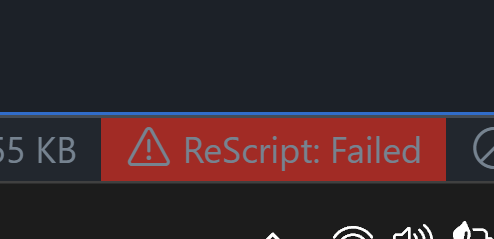
This is always red.
Issues stay on screen and in the problems panel.

Dump the LSP has an error:
Pos: 82:1

npm error could not determine executable to run
npm error A complete log of this run can be found in: /home/josh/.npm/_logs/2026-02-01T19_25_05_688Z-debug-0.log